Monday, 6 August 2012

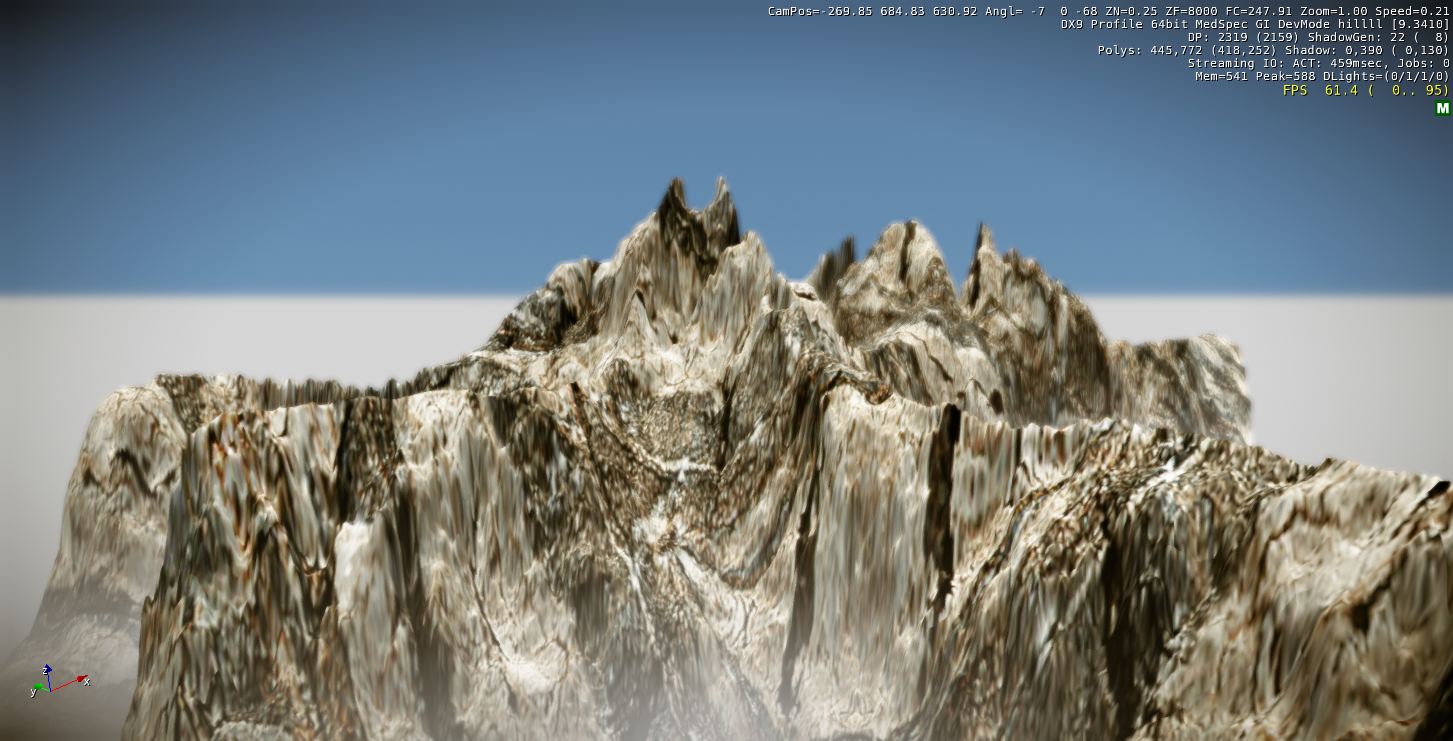
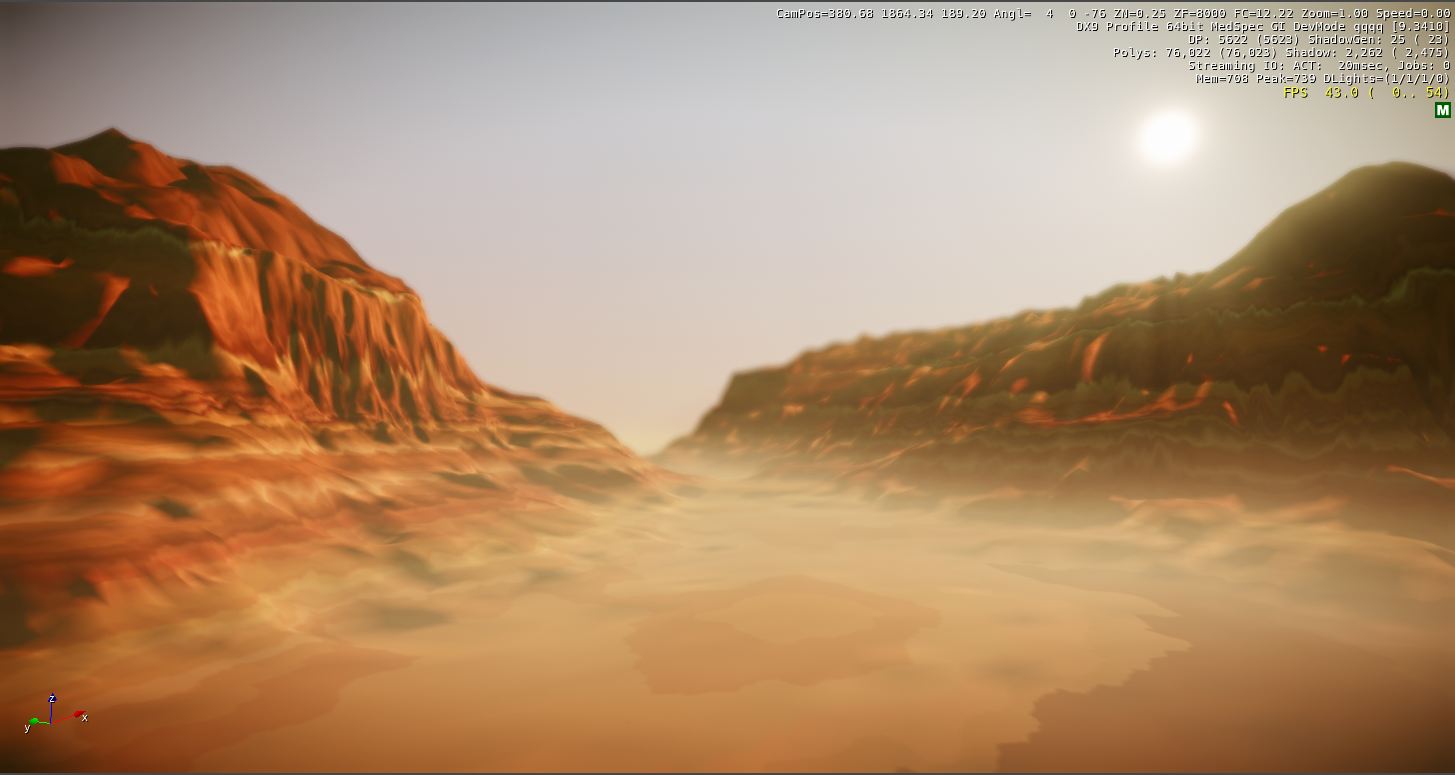
>> Reference images in CryEngine


Reference Image
CryEngine Capture


Reference Image
CryEngine Capture


Reference Image
CryEngine Capture


Reference Image

CryEngine Capture


Tuesday, 31 July 2012

>> Image of 5 landscape painters work -

1 - Claude Lorrain -


2 - William Gilpin -


3 - Capability Brown -


4 - Humphrey Repton -


5 - JMW Turner -


6 - West Lake, Hangzhou -


- Reference -

>> Second island with own texture -

My second island is totally random click.

- Island in GeoControl -


- Without texture in CryEngine -


- Texture image -


- Final texture -


- Island with Texture in CryEngine -


>> My First Level -

This is my own island based on "O8".


- fluent -

- windy -
- ladder -

- hilly -

- gradation -

Tuesday, 24 July 2012

>> 5 different landscapes

" Landscape comprises the visible features of an area of land, including the physical elements of landforms such as (ice-capped) mountains, hills, water bodies such as rivers, lakes, ponds and the sea...The Earth has a vast range of landscapes including the icy landscapes of polar regions, mountainous landscapes, vast arid desert landscapes, islands and coastal landscapes, densely forested or wooded landscapes including past boreal forests and tropical rainforests, and agricultural landscapes of temperate and tropical regions."

-- from Wikipedia. (http://en.wikipedia.org/wiki/Landscapes)

- Images of the landscapes -

Moutain Landscape

This is a image of the moutain landscape in Shennongjia, China.
The vegetations are in beautiful green color, and the landform is quiet rocky.
The light seems little dusty grey between the moutains.

Icy landscape
The icy landscape is frozen anywhere, and hardly to get any vegetation on it.
The sunshine effect quite bright on the white ice.
  
Desert Landscape


Island

Coastal Landscape


References:


Desert Landscape: ( http://www.travel-pictures-gallery.com/libya/libya-0063.html, accessed on 24,July )


Wednesday, 18 July 2012

>> 3 ways move around in level

1 Press the keys on the keyboard: "W" - forward;
                                                      "S" - backward;
                                                      "A" - left;
                                                      "D" - right.


2 Use the mouse: right cilck to see around;
                             scroll up/down the middle button move forward/backward;
                             keep pressing the middle button move anywhere at same angle;
                             pressing both the right and the middle button to quick move forward/backward.


3 Type the specific coordinates data which about X,Y,Z at the bottom.

>> 10 tips and tricks

1 The top left "perspective" means the current viewpoint is perspective one, right click can get more viewpoints and useful stuff as well.

2 To get "wireframe mode": right click on the "perspective"; press key "F3"; cilck the "Display" in the menu at the top.

3 The two numbers at the top right means the resolution you are using at the moment, right cilck can get more options or just move the right roller bar to change the resolution in real time.

4 "By name" function can isolate all the items in the level when you type the name of them.

5 The "lock selection" means you can lock the current selection to the object.

6 The "AI Physics" control all the AI objects walk around or moving.

7 Cilck the "Goto Position" can get the excat position of the camera at the moment, and type in X,Y,Z to go anywhere you want.

8 The ruler tool is specific measures one point to another, press "space" to remove that.

9 "select objects" can show all the objects in your level, the "name selections" would be very useful to name the selected objects and easier to find them.

10 You can use "save selected objects" to save a group of objects, and name it as an isolate file in order to find it easier next time.